Where to Register Your Dropshipping Domain (Not Shopify) — 2026 Guide
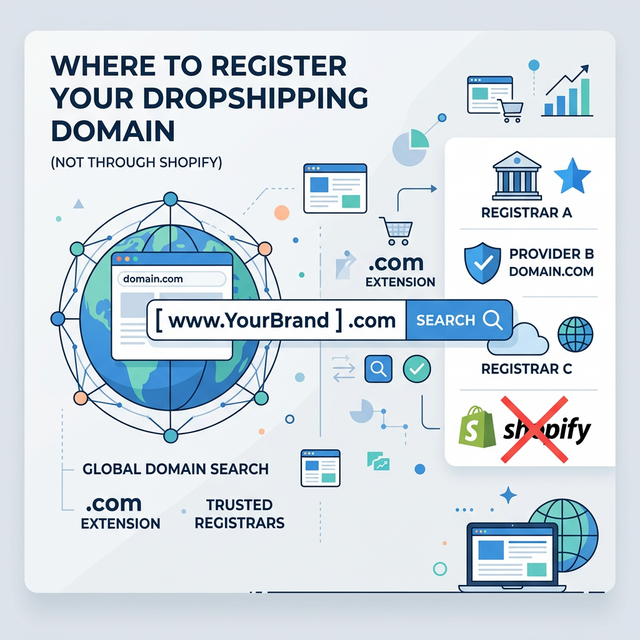
Most dropshipping stores register their domains directly through Shopify during setup. It’s convenient—one less step during launch.
But this convenience creates a critical vulnerability. When your domain registration is tied to your ecommerce platform, a single account issue can shut down your entire business infrastructure overnight.
Why Registering Your Domain with Shopify is Risky
If Shopify suspends your account for high chargeback rates, suspected policy violations, or even a false positive from their automated fraud systems, you immediately lose access to your domain.
When you lose your domain, you lose everything:
- Your Store goes offline. Customers seeking customer service find a dead link, triggering more chargebacks.
- Your Business Email breaks. Suppliers can’t reach you. You can’t process refunds.
- Your Ad Accounts freeze. You can’t log into Facebook Business Manager or Google Ads because the password reset emails won’t deliver to a dead domain.
Never keep your domain (your business’s most valuable digital asset) and your hosting provider in the same basket.
The Best Registrars for Dropshipping
Move your domain to a dedicated registrar. They are cheaper and offer better control:
- Namecheap: Extremely beginner-friendly. Annual renewals cost $10-13. Free WHOIS privacy is included forever.
- Cloudflare: Domain registration at-cost with zero markup ($8-10 annually). The interface is slightly technical but provides unmatched DNS speed and free DDoS protection.
- Porkbun: $8-12 annually with a clean interface, free SSL certificates, and excellent customer support.
If you plan on expanding your brand and building high-volume assets, separating your domain is as important as managing your dropshipping profit margins.
Step-by-Step: How to Transfer Your Domain
Transferring your domain doesn’t require technical expertise, just patience. The entire process takes about 5 to 7 days.
Step 1: Prep inside Shopify
Navigate to Settings → Domains. Click on your domain and select “Transfer domain”. Shopify will unlock the domain and email you an Authorization Code (EPP code).
Step 2: Document Your DNS Before leaving Shopify, screenshot your current DNS settings. You will need to recreate these at your new registrar to ensure the site stays online.
Step 3: Start the Transfer Go to your new registrar (e.g., Namecheap), select “Transfer Domain”, and paste your Authorization Code. Pay the transfer fee (which usually covers your next year of renewal).
Step 4: Confirm via Email You will receive an email asking you to confirm the transfer. Click approve. Now you wait 5-7 days.
Step 5: Re-link Your Store
Once the transfer completes, log into your new registrar. Add an A Record pointing to Shopify’s IP Address (usually 23.227.38.65) and a CNAME for the www subdomain pointing to shops.myshopify.com.
If you used Shopify’s built-in email forwarding, you’ll need to set up a new email host like Google Workspace or Zoho after the transfer.
Pro Tip: Don’t initiate a transfer on Black Friday or during an aggressive ad scaling phase using CBO strategies. Wait for a quiet week mid-month to minimize any risk of DNS propagation delays.
Frequently Asked Questions
Why is registering a domain with Shopify risky?
If Shopify suspends your account for any reason (chargebacks, false positives), you instantly lose access to your domain. This kills your website, business email, and ability to manage ads.
How long does it take to transfer a domain from Shopify?
Domain transfers typically take 5-7 days after you confirm the transfer request with your new registrar.
What is the best domain registrar for dropshipping stores?
Namecheap ($10-13/year), Cloudflare ($8-10/year), and Porkbun ($8-12/year) are the best choices. All offer free WHOIS privacy and solid DNS management.
Will transferring my domain break my Shopify store?
No. After the transfer, you just configure the DNS records at your new registrar to point back to Shopify's IP and CNAME.